We've built a lot on HubSpot. Websites, CRMs, pipelines and reporting for law firms, contractors, flooring companies and holiday lets. We know it well, and for some businesses it's still the best answer going.
But over the years we've seen the same thing happen to small teams. They sign up, import a spreadsheet, add a form, and a few months later they're paying for a platform where most of the buttons never get pressed. The tool isn't bad. It's just built for a bigger business than theirs.
So here's the honest version: what a CRM is for, the three routes a small business can take, when each one fits, and what to set up first whatever you choose.
The short version
- A CRM has three jobs: keep your contacts in one place, show you where every job stands, and make sure nobody forgets to follow up.
- HubSpot fits bigger sales teams, heavy marketing automation, and businesses already running on it.
- Other off-the-shelf CRMs fit teams happy to work the way the software works.
- A CRM built for you fits small teams who want their own words and stages, no per-seat fees, and their data on their own terms.
- Whichever you pick, the first month matters more than the tool.
What is a CRM actually for?
Strip away the feature lists and a small business needs a CRM to answer three questions, every day:
- Who have we spoken to, and what did they want?
- Where does each piece of work stand?
- Who needs a reply or a nudge today?
If a system answers those three quickly, and your team actually opens it, it's doing its job. Everything else is a bonus. Keep that in mind when you're comparing, because the sales pages will try very hard to make you think about everything else.
Option 1: HubSpot
HubSpot puts contacts, deals, email, forms and even your website in one place. The free and Starter plans are a gentle way in, and it grows a long way with you: advanced automation, lead scoring, sales sequences, service desks and detailed reporting are all there when you need them.
When it fits:
- You have a proper sales team, several people chasing deals every day.
- Marketing automation is central to how you sell: long nurture sequences, scoring, lots of segments.
- You're already on it, the team uses it, and it's working.
- You want your website and CRM on one platform and you're happy to pay for that.
Where small teams struggle:
- The costs climb with seats and with tiers. The feature you actually want is often one plan up, and the next plan up is priced for a bigger business.
- You pay for features you never open.
- It speaks HubSpot's language: lifecycle stages, deals, objects. Some teams take to it; some quietly go back to a spreadsheet.
None of that is a criticism of HubSpot. It's built to scale, and scale has a price.
Option 2: Other off-the-shelf CRMs
There are plenty of CRMs aimed at small businesses, from simple pipeline tools to all-in-one suites. Many are good value to start with and quick to sign up for.
When they fit:
- Your way of working is close to the way the software expects.
- You want something running this afternoon, and you'll set it up yourself.
- You don't mind switching later if you outgrow it.
What to watch:
- Per-seat pricing that grows as your team does.
- The words and stages are theirs, not yours. You end up bending your process to fit the boxes.
- Getting your data out cleanly, should you ever want to leave. Check how export works before you put years of contacts in.
Option 3: A CRM built for you
This is what we build for most small businesses now. It's your own CRM, set up round how you work: your stage names, your fields, your brand and your own web address, such as hq.yourdomain.co.uk.
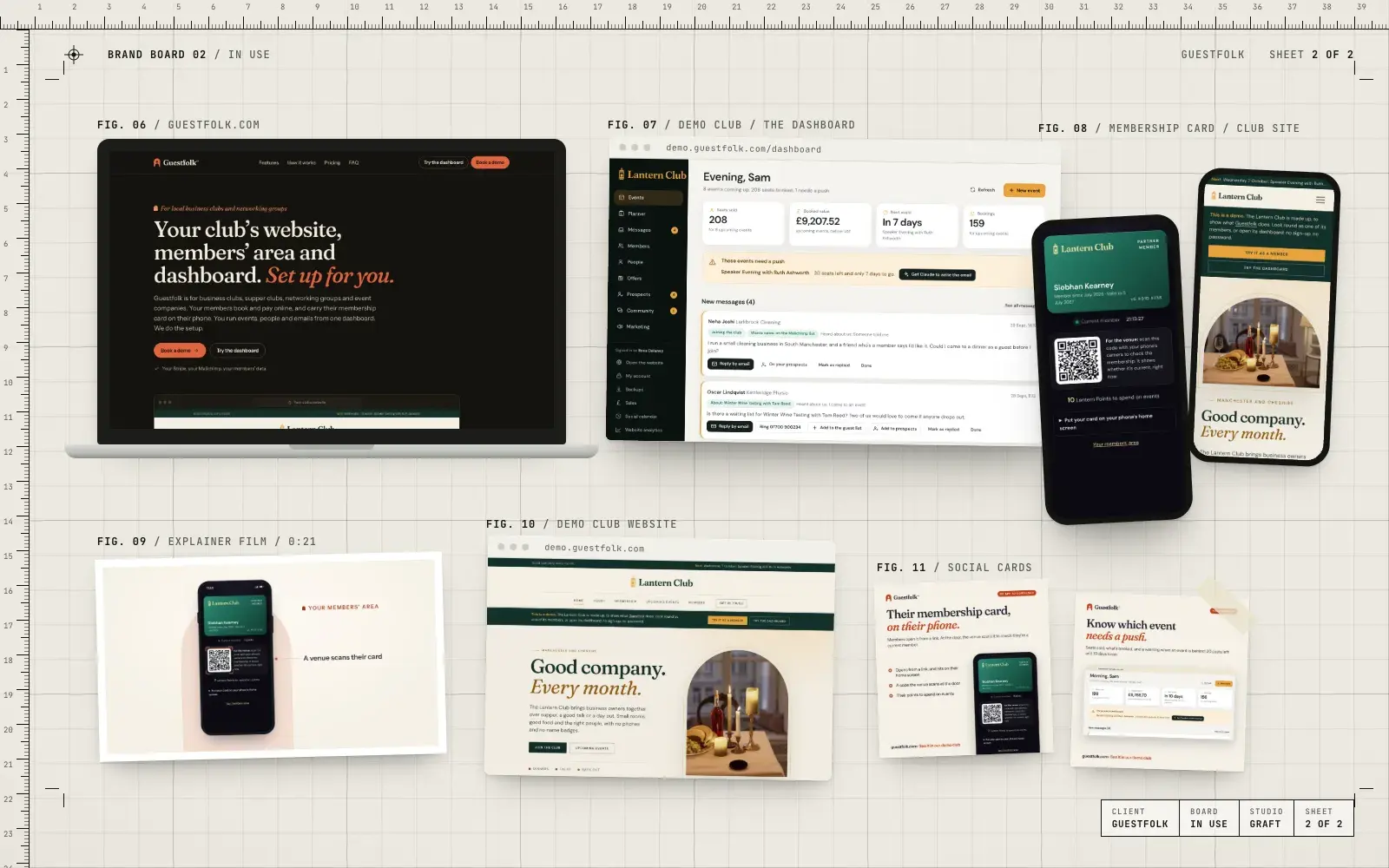
Ours runs on the platform we built for our own products, including Guestfolk, our software for clubs and groups. What it does today:
- your contacts in one list
- a sales pipeline with your own stage names, values and follow-ups due
- website enquiries that arrive as new leads by themselves
- a social calendar that drafts posts for LinkedIn, Facebook and Instagram, and only posts once someone approves each one
- Google Analytics and Search Console numbers on the dashboard
- a connection for AI assistants such as ChatGPT or Claude, which can read and draft but never send, delete or spend
- email to your contacts through Mailchimp
- nightly backups and an activity log
When it fits:
- A small team that wants a system in its own words.
- You'd rather not pay per seat every time someone joins.
- You want to own your data and be able to export it any time.
What it isn't: a call centre system or a giant marketing automation suite. If that's what you need, HubSpot may well be the better call, and we'll say so.
So which should you choose?
A rough rule we use on the first call:
- Big sales team, heavy automation, or already happy on HubSpot: stay with or choose HubSpot. We set it up and look after it.
- Small team, simple process, wants it running today: an off-the-shelf CRM can be fine. Check the export and the per-seat costs.
- Small team that wants its own words, its own stages and no licence fees: a CRM built for you.
If you're not sure, that's normal. Book a call and we'll tell you straight which suits you, even if the answer is the one we don't sell.
What to set up first, whichever you choose
The order matters more than the tool. This is the order we use.
1. Decide what you need to know about each contact. Not everything you could know. The handful of things that change what you do next: the service they want, where they are, how they found you, and whether they're a customer, a lead or a supplier. Use dropdowns, not free text, wherever you can.
2. Build one short pipeline that matches how you win work. Something like: new enquiry, contacted, quote sent, won, lost. Add a stage only if it changes what someone does. Make "lost" ask for a reason. In a year, that list will tell you more about your pricing than any report.
3. Connect every way in. Website forms first, so every enquiry lands as a new lead with its source recorded. Then add a "How did you hear about us?" question, because no system can see word of mouth or a van in a car park.
4. Set follow-ups, not just records. Every new lead should have a person and a date against it. Speed of reply wins work.
5. Sort your email domain before you send anything. Whatever you send from, set up the sending domain properly (SPF, DKIM and DMARC) so your emails don't land in spam.
6. Train everyone, then leave it alone for a month. An hour with everyone who'll touch it, a one-page cheat sheet, and a check-in after a month. Add the clever stuff only once the basics are used every day.
Where to go from here
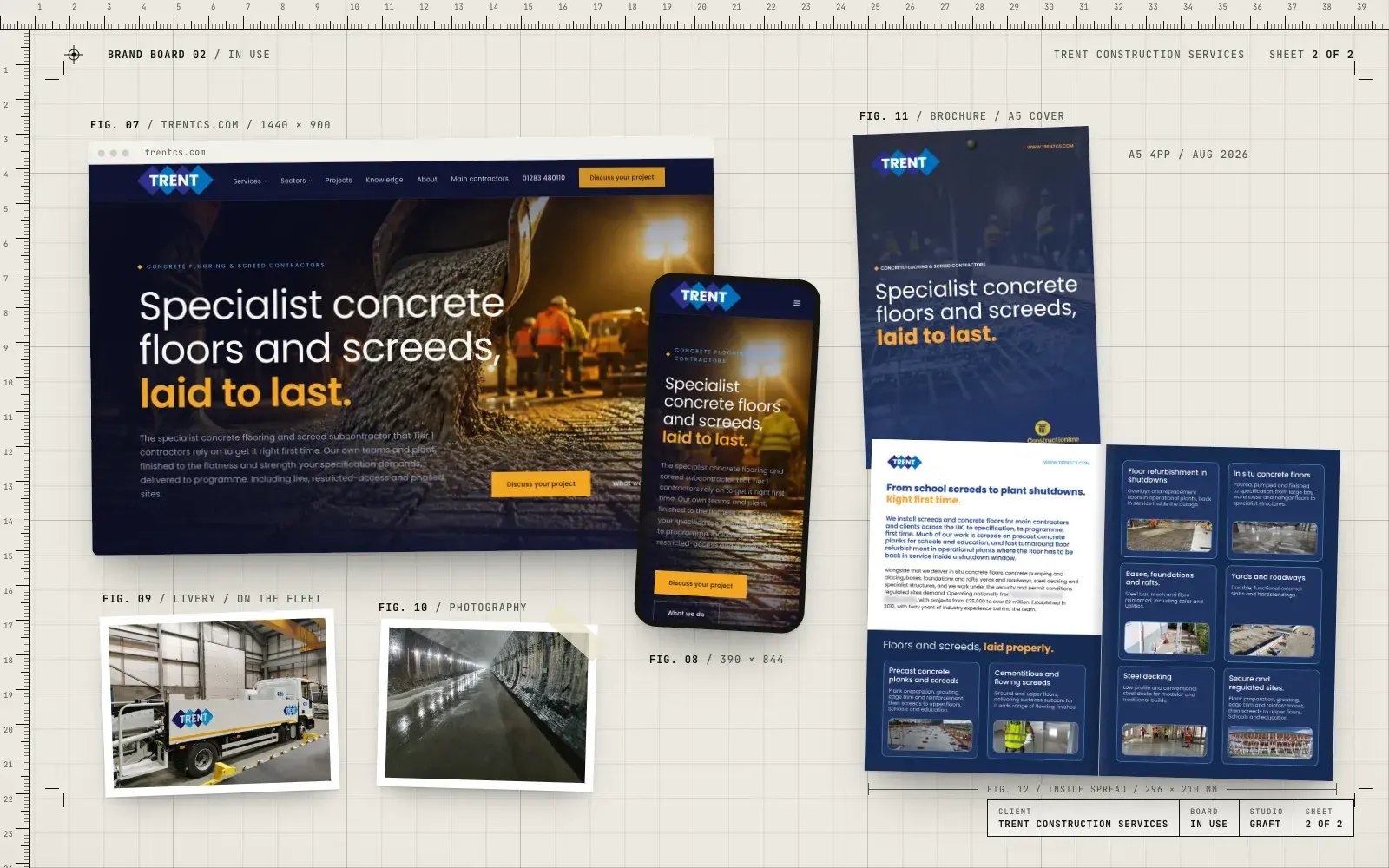
See what goes into your own CRM, or read about Guestfolk, our own product on the same platform, and the Trent Construction site we built on HubSpot. If you'd like an honest steer on which suits you, Book a 20-minute call.